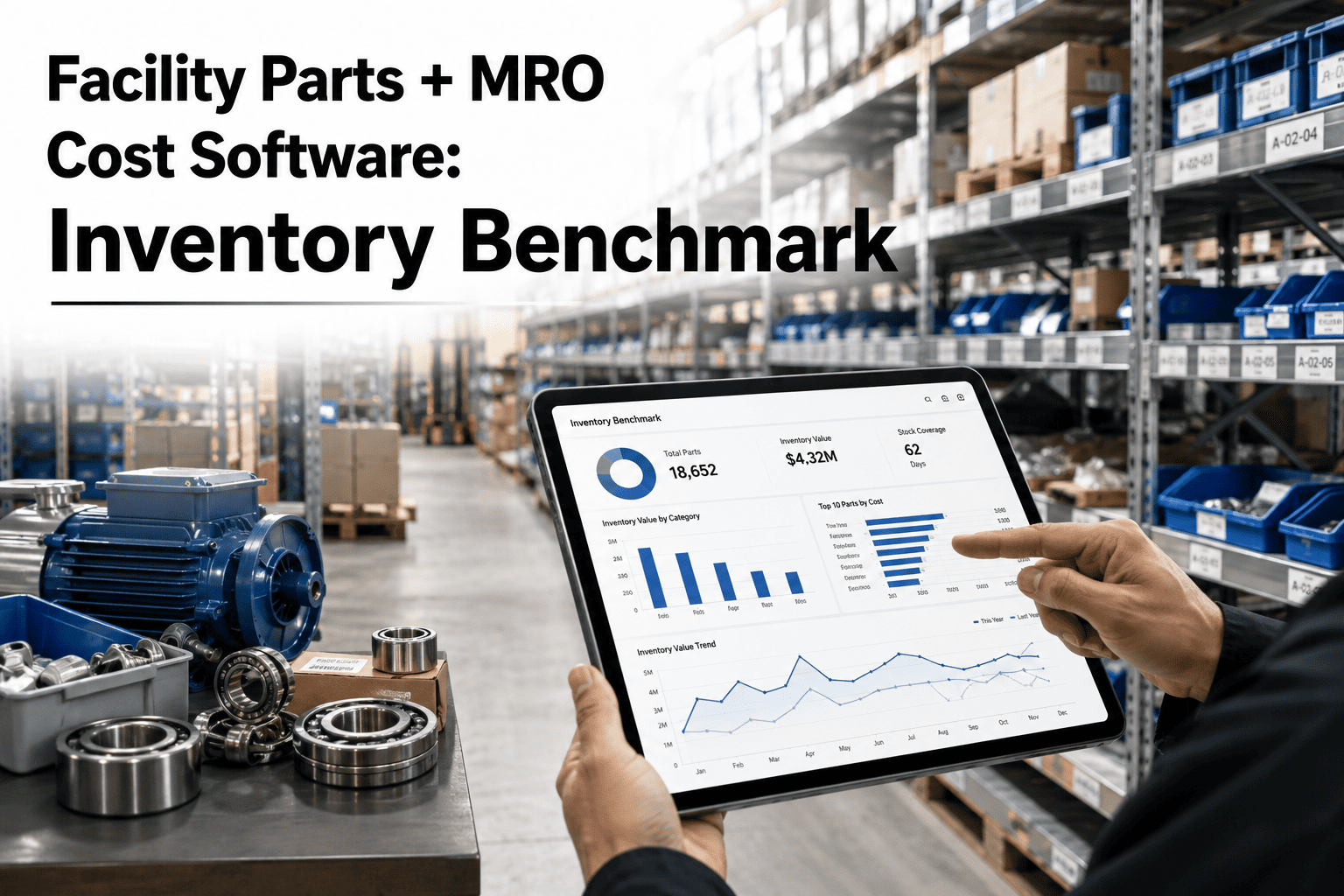
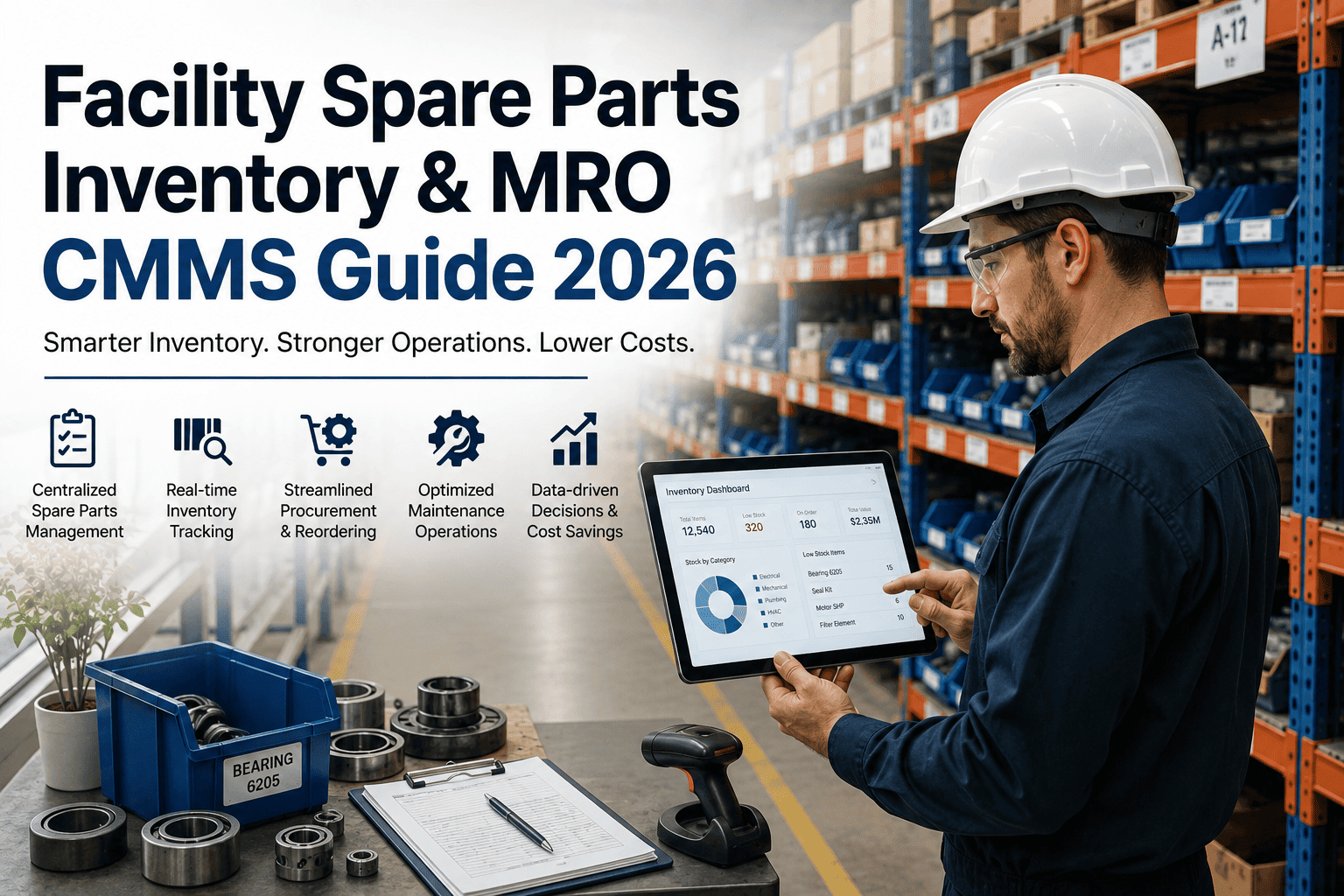
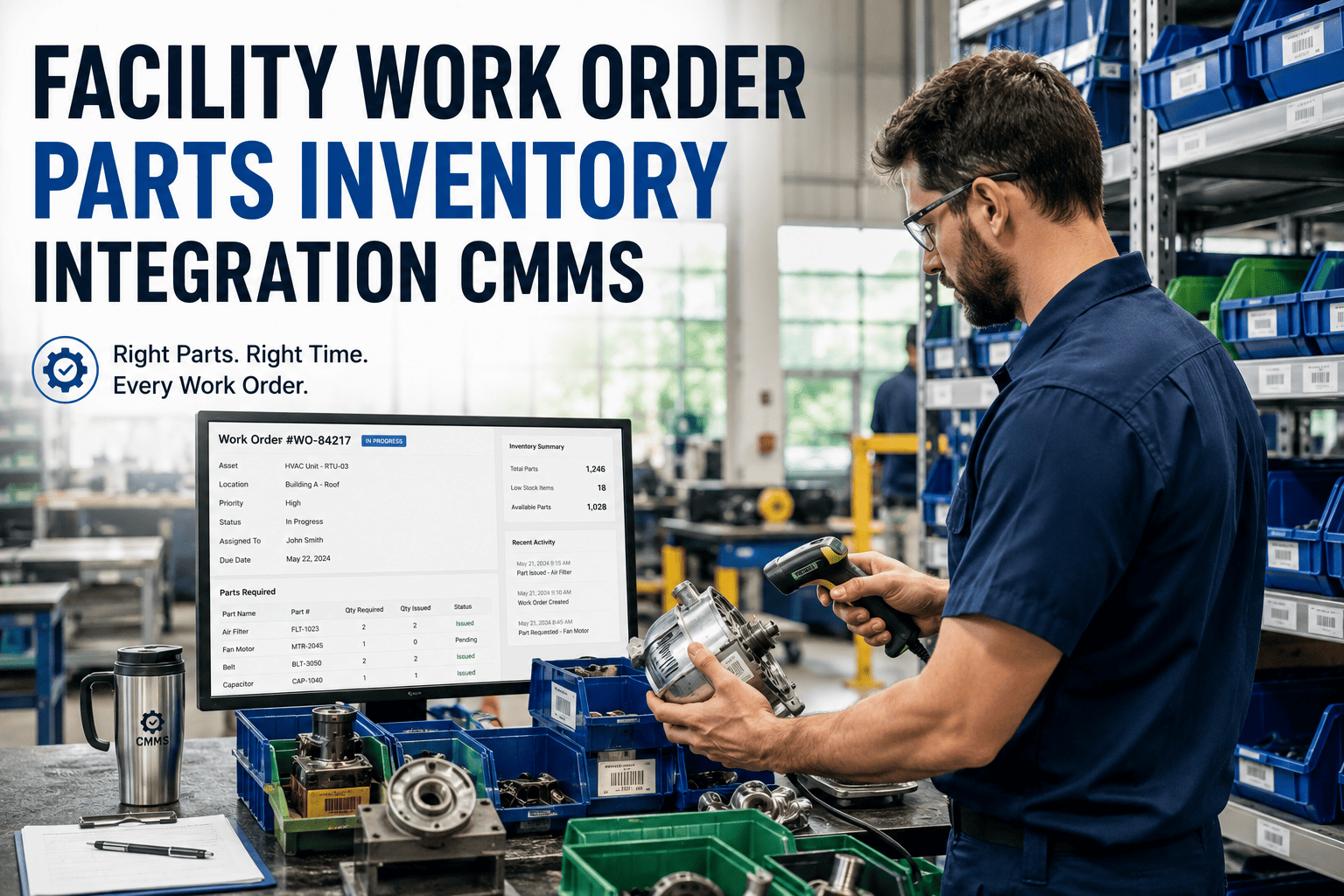
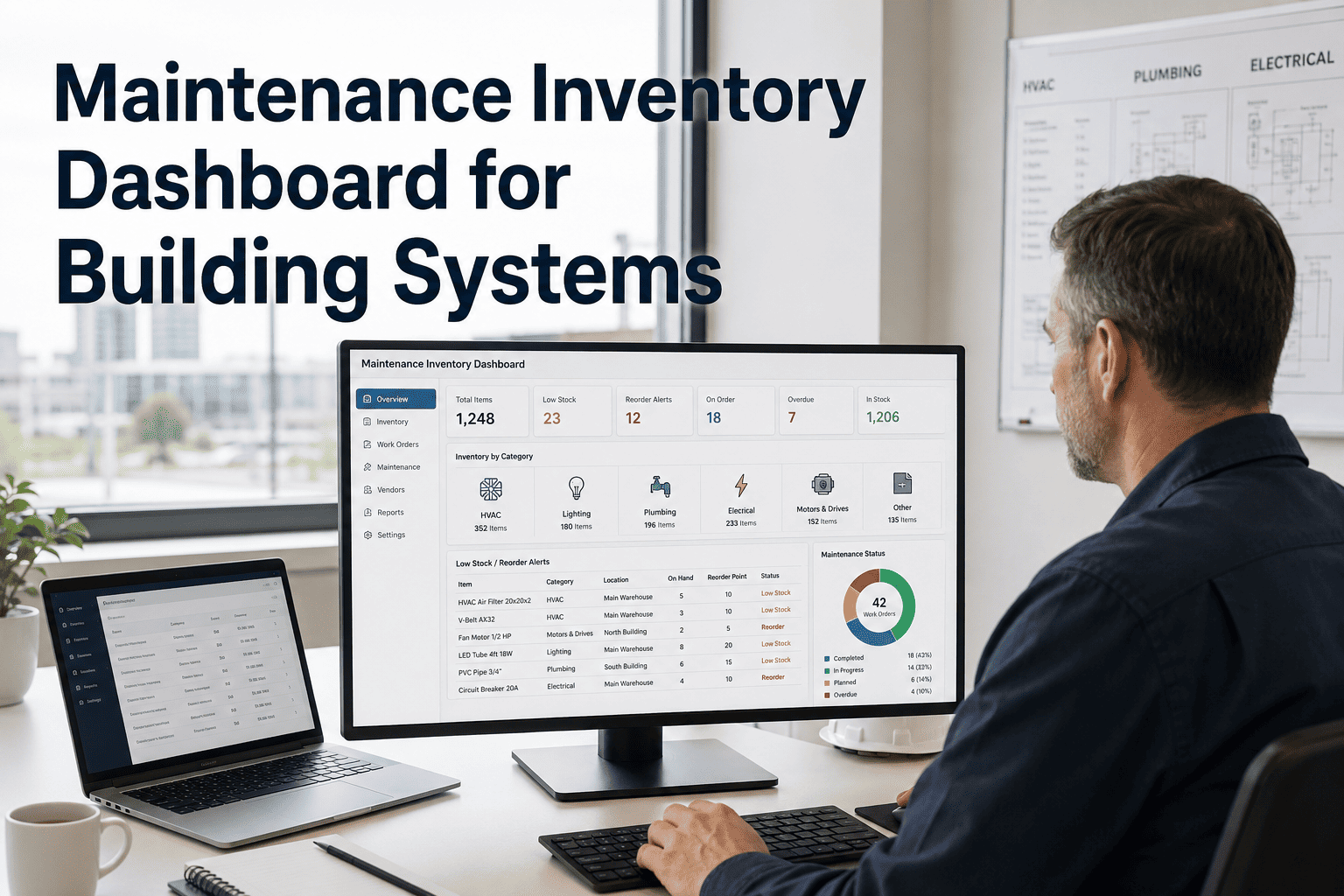
A maintenance team that cannot confirm parts availability before dispatching a technician is not managing inventory. It is managing surprises. The technician arrives at the failed asset, removes covers, identifies the failed component, walks to the parts room, and finds the shelf empty. The repair stalls. An emergency purchase order goes to a supplier at spot market price with expedite freight. The planned repair becomes an unplanned event with a 4.8x cost premium attached. That sequence repeats across facilities that track spare parts manually, reconcile stock quarterly, and have no link between open work orders and parts availability. Structured MRO inventory management eliminates each failure point: parts are counted continuously, minimum stock alerts fire before depletion, and work orders confirm availability before the technician is dispatched. Book a demo to see how Oxmaint manages spare parts and MRO inventory for your maintenance team.
Blog
Spare Parts and MRO Inventory Management for Maintenance Teams
Asset and Inventory Management · Spoke · P2 · 8 min read
$42K
average annual cost of a single unplanned parts stockout event at a mid-size commercial or industrial facility
23%
of total maintenance labour hours wasted on parts hunting, procurement, and inventory reconciliation without CMMS integration
4.8x
higher cost per repair event when emergency spot procurement replaces planned parts reservation on a structured PM schedule
98%
parts inventory count accuracy achievable with CMMS-integrated tracking vs 74% average for manual quarterly stock counts
Spare Parts Tracking, Reorder Automation, and Work Order Parts Reservation in One Platform
Oxmaint connects your parts room to your work order system. Every part is registered with minimum stock, reorder quantity, and supplier links. Work orders reserve parts before the technician is dispatched. Reorder alerts fire before stockout, not at repair time. Book a demo to see inventory management configured for your parts room.
Free vs Structured: What Changes Operationally
The gap between manual parts tracking and CMMS-integrated inventory is not about tools. It is about whether parts failures are discovered before or after the technician arrives at the asset. The comparison below identifies where that gap generates measurable maintenance cost.
| Area |
Without CMMS Inventory |
With Oxmaint MRO Tracking |
| Stock level visibility | Manual count quarterly or semi-annually. Stock level unknown between counts. Depletion discovered at repair time. | Perpetual count updated on every issue and receipt. Live stock level visible in Oxmaint dashboard for every part at every location. |
| Reorder process | Reorder triggered by empty shelf or technician report. Emergency procurement at spot price. Expedite freight adds 40 to 80% to order cost. | Minimum stock alert fires automatically when level drops below configured threshold. Planned order placed at contract price with standard lead time. |
| Work order parts link | Technician checks parts availability manually before or at repair. No system confirmation. Shortages found after job is started and asset is already opened. | Work order lists required parts and confirms availability before dispatch. Technician arrives with confirmed parts in hand. No mid-repair delays. |
| Parts cost tracking | Parts cost tracked by purchase order, not by asset or work order. No visibility of which assets consume the highest parts spend. Repair vs replace decisions made without data. | Every parts issue attributed to the specific work order and asset. Cumulative parts cost per asset visible against replacement value for data-backed renewal decisions. |
| Vendor management | Vendors managed informally. No lead time data per supplier. No spend tracking by vendor category. Contract renegotiation based on anecdote. | Vendor linked to each part with lead time, last price, and preferred supplier flag. Spend tracking per vendor per period for contract evidence. |
The Four MRO Inventory Management Frameworks Every FM Team Needs
01
ABC Analysis: Prioritise What You Track Tightly
Not all parts warrant the same tracking intensity. ABC analysis classifies parts by annual consumption value: Class A is the top 10 to 15% of parts that represent 70 to 80% of total MRO spend. Class B is the middle band. Class C is the long tail of low-value, low-usage items. Class A parts get perpetual tracking, minimum stock alerts, and preferred vendor links. Class C parts are counted less frequently and ordered in bulk. Applying uniform tracking intensity to all parts wastes planner time on low-value items and under-monitors critical stock.
02
Reorder Point Calculation: When to Order, Not When You Run Out
The reorder point is the stock level at which a replenishment order must be placed to avoid stockout given the supplier lead time. It is calculated as: daily average usage multiplied by supplier lead time in days, plus safety stock. For a bearing used 2 per month with a 14-day lead time and 5 days of safety stock, the reorder point is 2.3 units. When stock drops to 3 units, the order goes out. Oxmaint calculates and tracks reorder points per part per location automatically, firing alerts when the threshold is crossed.
03
Critical Spare Identification: The Assets That Cannot Wait
Critical spares are parts for single-source assets with long lead times whose failure stops production or violates compliance. A kiln main gearbox seal, a chiller compressor shaft seal, or a switchgear circuit breaker can have 6 to 20 week lead times. Stockout on a critical spare converts a scheduled maintenance event into a multi-week unplanned outage. Identifying critical spares, setting minimum stock of at least one unit, and linking them to the asset record in Oxmaint ensures that depletion triggers immediate procurement before the failure event that will require the part.
04
Work Order Parts Reservation: Confirm Before Dispatch
A work order that lists required parts but does not reserve them from stock does not solve the parts availability problem. It only documents it. Oxmaint's parts reservation system links required parts to each work order, reduces available quantity in the stock count before the technician is dispatched, and flags stock conflicts if two work orders compete for the last unit of a part. The technician arrives at the job with confirmed parts. The mid-repair discovery of a missing component is eliminated.
Parts Room, PM Schedule, and Work Orders Connected in One System
Oxmaint links your parts room to PM schedules and work orders automatically. Parts required for upcoming PM tasks are flagged before the scheduled date. Procurement lead times are compared to the PM schedule to identify parts that must be ordered now for future planned maintenance. Book a demo to see PM-linked parts management for your facility.
MRO Inventory Cost Reduction: What Structured Management Delivers
Hidden Cost of Unmanaged MRO Inventory
Emergency spot procurement premium on 20 parts events per year~$28,000/yr
Expedite freight on emergency orders at 40 to 80% markup~$12,000/yr
Technician downtime waiting for parts at repair site~$9,500/yr
Planner time on manual inventory counts and reconciliation~$6,800/yr
Duplicate procurement from inaccurate stock records~$8,200/yr
Conservative annual cost of unmanaged MRO~$64,500/yr
Value Recovered with Oxmaint MRO Management
Emergency procurement events eliminated by planned reorder system+$28,000/yr
Expedite freight replaced by contract price standard orders+$12,000/yr
Technician downtime eliminated by confirmed parts availability+$9,500/yr
Planner time recovered from automated stock count tracking+$6,800/yr
Duplicate procurement eliminated by accurate perpetual count+$8,200/yr
Conservative annual value recovered~$64,500/yr
Continue Reading: Asset and Inventory Management
Asset Lifecycle Management for Facility Managers: Acquisition to DisposalTCO tracking, FCI calculation, remaining useful life, and 5 to 10 year CapEx forecasting from live asset condition data.
Read More
Asset Tracking with Barcode, QR Codes and RFID: Digitizing Facility InventoriesInstant equipment ID, mobile maintenance history access, and real-time inventory counts through digital asset tracking technology.
Read More
Equipment Reliability: MTBF, MTTR and Failure Analysis for Building SystemsData-driven reliability tracking with MTBF and MTTR analysis and root cause investigation for facility managers.
Read More
Building a Comprehensive Asset Register for Your FacilityEquipment cataloging, hierarchy setup, criticality ranking, and maintenance history documentation in one complete asset register.
Read More
Frequently Asked Questions
QHow does Oxmaint calculate reorder points and safety stock for each spare part?
Oxmaint calculates reorder points from average daily usage, supplier lead time, and configured safety stock days per part. When stock drops to the reorder threshold, an alert is generated automatically and a draft purchase order can be raised in one click. Safety stock and lead time are configurable per part per supplier.
Book a demo to see reorder configuration for your parts categories.
QCan Oxmaint link parts to specific assets and work orders so technicians know what to bring before dispatch?
Yes. Parts lists are attached to each asset record and populated automatically on work orders for that asset. When a work order is created, Oxmaint checks available stock and flags any required parts below minimum. Parts are reserved from stock on work order activation, preventing double-allocation to competing jobs.
Start free trial to configure asset-linked parts in Oxmaint.
QHow does Oxmaint support ABC analysis classification for spare parts inventory prioritisation?
Oxmaint classifies parts by annual consumption value into A, B, and C tiers. Class A parts receive full perpetual tracking with minimum stock alerts and preferred vendor links. Class C parts are tracked at lower intensity with bulk order thresholds. Reclassification runs automatically as usage patterns change over time.
Book a demo to see ABC analysis configuration for your parts register.
QCan Oxmaint track parts costs per asset to support repair versus replace analysis?
Yes. Every parts issue in Oxmaint is attributed to the specific work order and asset record. Cumulative parts spend per asset accumulates automatically and is visible against the asset replacement value. FM directors see which assets are absorbing disproportionate parts spend and when repair cost approaches replacement value.
Sign up free or
book a demo to see asset-level parts cost tracking.
Parts Available Before Dispatch. Reorder Alerts Before Stockout. Parts Cost Tracked per Asset.
Oxmaint connects spare parts inventory, reorder automation, work order parts reservation, and asset-level cost tracking into one maintenance platform. Go live in under 14 days with no implementation project required.