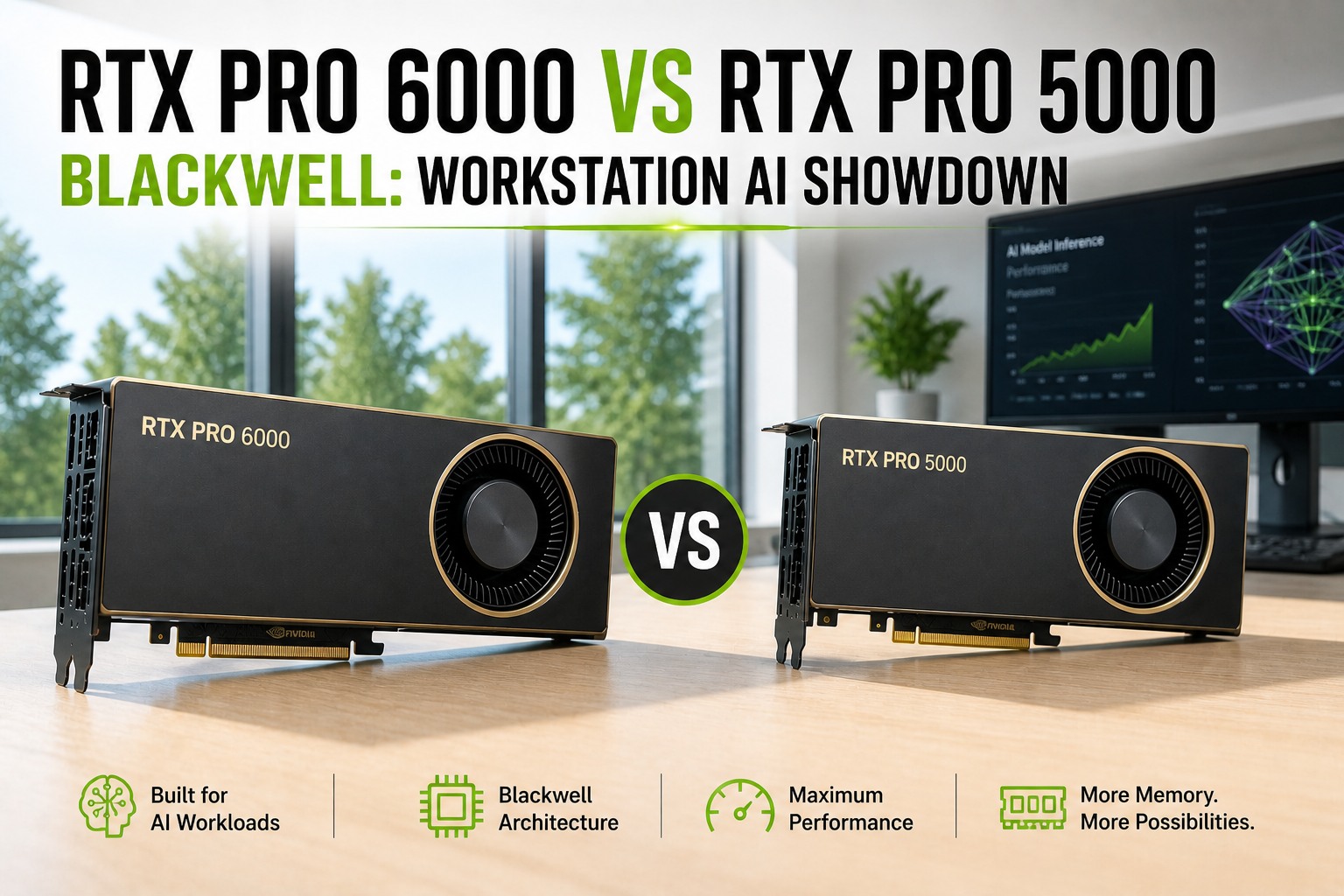
RTX PRO 6000 vs RTX PRO 5000 Blackwell: Workstation AI Showdown
By Riley Quinn on May 4, 2026
You're spec'ing an on-prem AI workstation in 2026. Two cards from NVIDIA's Blackwell professional lineup are on the table: the RTX PRO 6000 Blackwell with 96GB GDDR7, deployed as a complete OxMaint Digital Twin Server at $19,000, and the RTX PRO 5000 Blackwell with 48GB GDDR7 as a complete Edge AI server at $13,500. Both run the same Blackwell architecture, both have 5th-gen Tensor Cores with FP4 support, both ship with PCIe 5.0. The question is exactly when the 96GB premium is worth it — and when the 5000 is the smarter buy for the workload you actually run. This is the spec breakdown, the workload-fit math, and the per-use-case verdict no review-aggregator article actually gives you. Sign up free to spec the right Blackwell card for your AI workload.
MAY 12, 2026 5:30 PM EST , Orlando
Upcoming OxMaint AI Live Webinar — RTX PRO 6000 vs PRO 5000 Blackwell: Workstation GPU Selection for On-Prem AI
Live session for ML engineers, AI infrastructure leads, plant CIOs, and reliability teams spec'ing on-prem AI workstations. We'll walk through the actual workload-fit math — which Blackwell card runs Llama-3 70B at full precision, which one handles fine-tuning headroom, when 48GB is enough, and when you need 96GB. Includes the per-use-case verdict and the multi-GPU scaling reality without NVLink.
Both cards run the same Blackwell architecture, the same 5th-gen Tensor Cores with FP4 support, the same PCIe 5.0 x16 bus, and the same DisplayPort 2.1b outputs. The differences live in five places: memory capacity, CUDA core count, memory bandwidth, peak TFLOPS, and TDP. Here's the breakdown that matters for AI workloads.
FLAGSHIP
RTX PRO 6000 Blackwell
Workstation Edition · OxMaint Digital Twin Server
$19,000 full server · OxMaint pricing
96GBGDDR7
512-bit bus · 1,792 GB/s bandwidth
VS
VALUE PICK
RTX PRO 5000 Blackwell
Workstation Edition · OxMaint Edge AI Build
$13,500 full server · OxMaint pricing
48GBGDDR7
256-bit bus · 1,344 GB/s bandwidth
Spec
RTX PRO 6000
RTX PRO 5000
Δ
Memory (VRAM)
96 GB GDDR7
48 GB GDDR7
2× more
Memory bandwidth
1,792 GB/s
1,344 GB/s
+33%
Memory bus
512-bit
256-bit
2× wider
CUDA cores
24,064
14,080
+71%
5th-Gen Tensor Cores
752
440
+71%
FP32 (single precision)
~120 TFLOPS
70 TFLOPS
+71%
FP4 Tensor (AI)
~3,750 TOPS
2,223 TOPS
+69%
TDP (Workstation)
600 W
300 W
2× more
PCIe interface
5.0 x16
5.0 x16
Same
NVLink
No
No
Same
MIG support
Yes (4 instances)
Yes (2 instances)
2× more
What's Actually Identical — The Blackwell Architecture Parity
Before getting to the VRAM math, it helps to understand what these two cards share. Both are built on the same Blackwell silicon at TSMC 5nm. Both feature the same generation of compute units. The differences are in how much silicon is enabled, not what kind of silicon it is. Here's what's identical between the two cards — and why that parity matters when you're picking the right one. Sign up free to see Blackwell-specific feature support across both cards.
5th-Gen Tensor Cores
Same generation on both cards. FP4 precision support, DLSS 4 multi-frame generation, 3× lift over Ada-gen Tensor cores. The difference is the count, not the capability.
PCIe 5.0 x16
Same bus on both — 64 GB/s bidirectional. Doubles PCIe 4.0 bandwidth. Matters most for multi-GPU setups where neither card has NVLink and all GPU-to-GPU traffic goes over PCIe.
GDDR7 ECC Memory
Same memory generation on both. Error-correcting, mission-critical reliability for AI workloads. The difference is capacity (96GB vs 48GB) and bus width (512-bit vs 256-bit).
4th-Gen RT Cores
2× ray-triangle intersection rate vs Ada-gen. Both cards support RTX Mega Geometry with up to 100× more ray-traced triangles. Identical RT capability per core.
9th-Gen NVENC / 6th-Gen NVDEC
Identical video engine tier on both cards. Adds 4:2:2 H.264/HEVC encoding, improved AV1 quality. Both handle 8K video workflows with the same fluency.
MIG (Multi-Instance GPU)
Both support MIG — divide a single card into isolated instances with dedicated resources. PRO 6000 supports up to 4 instances, PRO 5000 supports 2. Useful for multi-tenant AI workstations.
The 96GB vs 48GB Question — What Actually Fits in VRAM
The single question that makes or breaks this decision is which AI models you need to run on the card. VRAM capacity isn't a marketing number — it's a hard ceiling. A model that doesn't fit in VRAM either runs through painful CPU offloading or doesn't run at all. Here's the actual model-fit math at three precision levels — FP16 (training-grade), FP8 (production inference), and FP4 (Blackwell's new compressed format).
Model Class
FP16
FP8 / INT8
FP4 (Blackwell)
7B (Mistral, Llama-3 8B)
Fits both
Fits both
Fits both
13B (Llama-3 13B)
Fits both
Fits both
Fits both
30B (Yi-34B, Mixtral 8×7B)
6000 only
Fits both
Fits both
70B (Llama-3 70B)
Neither
6000 only
Fits both (tight)
120B (Mixtral 8×22B class)
Neither
Neither
6000 only (tight)
Fine-tuning headroom (LoRA)
6000 better
6000 better
Both viable
Fits both cardsPRO 6000 only (96GB needed)Neither — multi-GPU required
Per-Use-Case Verdict — Which Card Wins for Your Workload
Specs and VRAM tables are useful, but the real question is: which card should you actually buy for the workload running on your floor? The answer depends on what AI you're running, not which card is "better." Here are five concrete use-case verdicts. Book a demo to see which card we recommend for your specific deployment.
LLM inference up to 30B (Llama-3 13B, Mistral, Mixtral 8×7B)
PRO 5000 wins
48GB handles 30B at FP8 with comfortable context. Bandwidth is sufficient. Half the price, half the power, same Blackwell features. Buy the 5000.
LLM inference 70B+ (Llama-3 70B, Mixtral 8×22B)
PRO 6000 wins
96GB lets the entire 70B fit in 8-bit with full context window. Memory bandwidth and CUDA scaling matter. Buy the 6000 — no contest.
Fine-tuning (LoRA, QLoRA, full SFT)
PRO 6000 wins
Training requires 2-4× the VRAM of inference for the same model size — gradients, optimizer states, activations. Buy the 6000 for any serious fine-tuning workload.
Multi-GPU scaling (2-4 cards)
PRO 6000 wins
Without NVLink on either card, multi-GPU communicates over PCIe 5.0. At server pricing ($19K vs $13.5K), one PRO 6000 server with 96GB single-GPU memory is more flexible than two PRO 5000 servers with sharded 48GB. Buy the 6000 server unless you need parallel independent workloads.
These workloads run on small CNN/autoencoder/LSTM models. 48GB is plenty. Lower TDP fits standard plant electrical. Buy the 5000 for industrial AI deployments.
Generative AI / Stable Diffusion / video generation
PRO 6000 wins
SDXL with refiners, ControlNet stacks, video models all need 30-60GB working memory plus headroom for batch sizes. Buy the 6000 for serious creative AI work.
PRO 6000 server cost per CUDA core ($19K / 24,064) — vs $0.96 for PRO 5000 server
$198
PRO 6000 server cost per GB VRAM ($19K / 96GB) — vs $281 for PRO 5000 server
2.5×
Blackwell vs RTX 6000 Ada AI training speedup (NVIDIA reported)
3×
5th-Gen Tensor Core performance lift vs 4th-gen — applies to both Blackwell cards
600 W
PRO 6000 TDP — requires 240V circuit for multi-card workstations
300 W
PRO 5000 TDP — fits standard 120V circuits and existing chassis power
Pre-Configured · Pre-Tested · Ships in 6–12 Weeks
Order an OxMaint AI Server With the Right Blackwell Card Pre-Installed
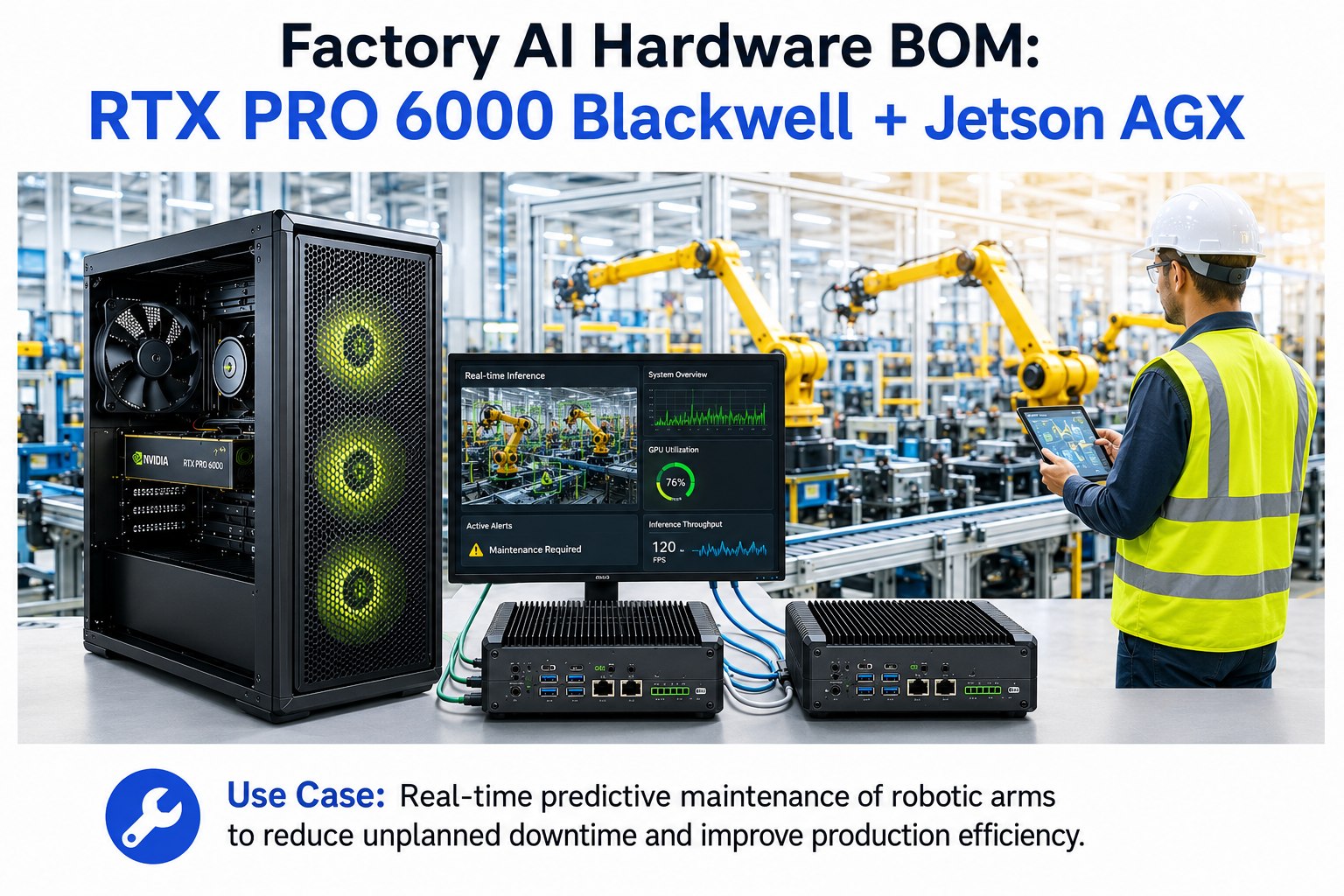
OxMaint's on-prem AI servers ship with either the RTX PRO 6000 Blackwell (96GB, flagship spec for 70B+ LLMs and serious fine-tuning) or the RTX PRO 5000 Blackwell (48GB, optimal for plant AI, predictive maintenance, anomaly detection, and 30B-class inference). Pre-configured with the OxMaint AI software stack, models pre-loaded, integration tested, ready to plug into your network within days. Source code and modification rights included.
Investment Summary — Per-Plant Rollout + Enterprise AI
The OxMaint AI server is a one-time capital purchase that includes the GPU server (Digital Twin), edge AI nodes for PLC and CCTV ingestion, network and electrical, and the OxMaint AI software stack with full source access. The pricing structure below is the actual per-plant breakdown OxMaint deploys at customer sites. Sign up free to see the full bill of materials for your plant footprint.
Swipe to see breakdown
Component
Unit Cost
Per Plant (4 mo)
Notes
RTX PRO Blackwell 96GB / 48GB Server (Digital Twin)
All CCTV RTSP streams → DLA inference, <100ms anomaly alerts
Industrial Ethernet Switch + Cabling
~$2,500
~$2,500
Plant-floor switch, Cat6A, SFP modules
Local Electrical/Instrumentation Vendor
$8,000–$12,000
~$10,000
PLC wiring, conduit, panel work, patch cabling
OxMaint AI Software + Integration (per plant)
$35,000–$55,000
$45,000 avg
Digital Twin build, AI models, LLM, dashboards
Per-Plant Total (hardware + software)
$72,500–$94,500
~$84,500 avg
4-month delivery per plant
Enterprise AI DGX Station (GB300 Ultra, 768GB, 400GbE)
$85,000–$100,000
One-time shared
All 4 plants: physics, simulation, LLM, analytics
Enterprise AI Delivery (3 months)
$45,000–$65,000
One-time
Corporate rollout, LLM fine-tuning, integration
4-Plant Full Rollout (parallel deployment)
~$420,000–$520,000
Total programme
Parallel delivery: all 4 plants + Enterprise AI
$84.5K
Avg per plant
4 mo
Delivery
$0
Recurring fees
∞
Perpetual
Perpetual · Owned · Pre-Tested · Either Card Available
Stop Spec'ing GPUs in Isolation — Order the Full AI Server
Buying just a GPU is the start, not the finish. The OxMaint AI server ships with the right Blackwell card for your workload (PRO 6000 for 70B+ LLMs and fine-tuning, PRO 5000 for plant AI and inference up to 30B), pre-configured with the AI software stack, integration-tested, and ready to plug in. No SaaS lock-in. No per-token recurring fees. Source code and modification rights included.
Why does neither card support NVLink — and does it matter for multi-GPU?
NVIDIA removed NVLink from the RTX professional series starting with the Ada generation, and the Blackwell PRO 6000 and PRO 5000 continue that pattern. Multi-GPU communication on these cards happens over PCIe 5.0 x16, which delivers ~64 GB/s bidirectional bandwidth per slot. NVLink on data-center cards (H100/H200) delivers 900 GB/s GPU-to-GPU — roughly 14× faster. For workloads that require frequent inter-GPU communication (data-parallel training of very large models, model-parallel inference of 100B+ LLMs split across cards), this matters significantly. For most workstation AI workloads — single-GPU inference, single-GPU fine-tuning, embarrassingly-parallel batch processing — PCIe 5.0 is sufficient. The practical implication: if you need multi-GPU inference of Llama-3 70B in FP16 (which doesn't fit on a single card), you'll see meaningful PCIe overhead vs an H100/H200 NVLink setup, but the absolute cost difference is roughly 4× ($18K for two PRO 6000s vs $70K for two H100s with NVLink). For cost-sensitive on-prem deployments, the PCIe penalty is acceptable for most workloads.
When is two PRO 5000s a better buy than one PRO 6000?
At OxMaint server pricing, two PRO 5000 builds cost ~$27,000 ($13,500 × 2) vs one PRO 6000 build at $19,000 — meaning one PRO 6000 server is the cheaper path to 96GB of GPU memory in most plant deployments. Two PRO 5000 servers give you 2× 48GB = 96GB total VRAM split across two physical machines, 2× 14,080 = 28,160 CUDA cores, and 2× 70 = 140 TFLOPS FP32 — but that VRAM is not pooled, and you're paying for two complete server builds (2× CPU, 2× RAM, 2× chassis, 2× power supply, 2× networking). Two PRO 5000s makes sense in three specific scenarios: (1) you need physical redundancy across two locations or shifts, (2) you run multiple independent inference workloads in parallel that fit in 48GB each — each on its own machine, or (3) you have specific HA/failover requirements. One PRO 6000 server wins for almost everything else: single-model inference, fine-tuning, full Llama-3 70B at FP8, and any workload that benefits from a unified 96GB memory pool. The deciding question is "do I need two physical servers, or do I need one server with more memory?"
How does FP4 precision change the math vs FP16/FP8 for LLM inference?
FP4 is the new floating-point format introduced with Blackwell's 5th-gen Tensor Cores, and it changes the VRAM math substantially. Memory cost per parameter: FP16 = 2 bytes, FP8 = 1 byte, FP4 = 0.5 bytes. So a 70B model takes roughly 140GB at FP16, 70GB at FP8, and 35GB at FP4. This means Llama-3 70B fits comfortably on the PRO 5000's 48GB at FP4 with room for context — something that was impossible on workstation GPUs a generation ago. The trade-off: FP4 quantization introduces measurable accuracy loss for some tasks (typically 1-3% perplexity increase on benchmarks), and not every model has well-tested FP4 weights yet. For production inference where accuracy is critical, FP8 is the safer choice. For research, prototyping, and deployment of newer models with native FP4 weights (which NVIDIA is publishing increasingly), FP4 is the breakthrough that makes 70B-class models practical on a single workstation card.
Can these cards replace H100/H200 data-center GPUs for our AI workload?
Depends entirely on the workload scale and the latency requirements. For workstation AI — single-GPU or 2-4 GPU on-prem deployments running LLM inference up to 70B-class, vision defect detection, anomaly detection, predictive maintenance, generative AI prototyping — the RTX PRO Blackwell cards are excellent and dramatically cheaper than H100/H200 (PRO 6000 server at $19K vs H100 server at $40-50K, H200 server at $55-70K). For data-center scale workloads — training foundation models, serving thousands of concurrent users, model-parallel inference of 100B+ LLMs requiring high-bandwidth GPU-to-GPU communication — H100/H200 with NVLink and HBM3 memory are still the right choice. The Blackwell PRO cards lack NVLink, lack HBM memory (GDDR7 instead), and lack the Tensor Memory Accelerator (TMA) that H100/H200 have for transformer optimization. For most plant-floor and workstation AI deployments, this doesn't matter. For frontier model training, it does. The OxMaint Enterprise AI tier ($85K-$100K, shared across plants) provides DGX Station GB300 Ultra-class compute for the rare workloads that need it.
What's the realistic delivery timeline if we order today?
Six to twelve weeks from sign-up to live operation is typical for the OxMaint AI server, which includes either the PRO 6000 or PRO 5000 Blackwell card pre-installed and integrated. The compressed timeline works because the server is configured, integrated, and pre-tested in the OxMaint factory before shipping — GPU, AI software stack, models, OPC-UA/MQTT/Modbus connectors, and CMMS integration are all installed and validated before the unit ships. PRO 5000 builds typically deliver faster (8-10 weeks) because supply has stabilized; PRO 6000 builds run 10-12 weeks because demand on the 96GB flagship still exceeds steady-state supply in May 2026. On-site work then collapses to: rack the server (1 day), connect to your network and data sources (3-5 days), pre-train models against your data (2-4 weeks running in parallel), validate in shadow mode (2-4 weeks), then production cutover. If you have a deadline pressure, the PRO 5000 build is the safer commit; if you need the 96GB flagship spec for a specific workload (Llama-3 70B at FP8, serious fine-tuning), the PRO 6000 is worth the 2-week wait.