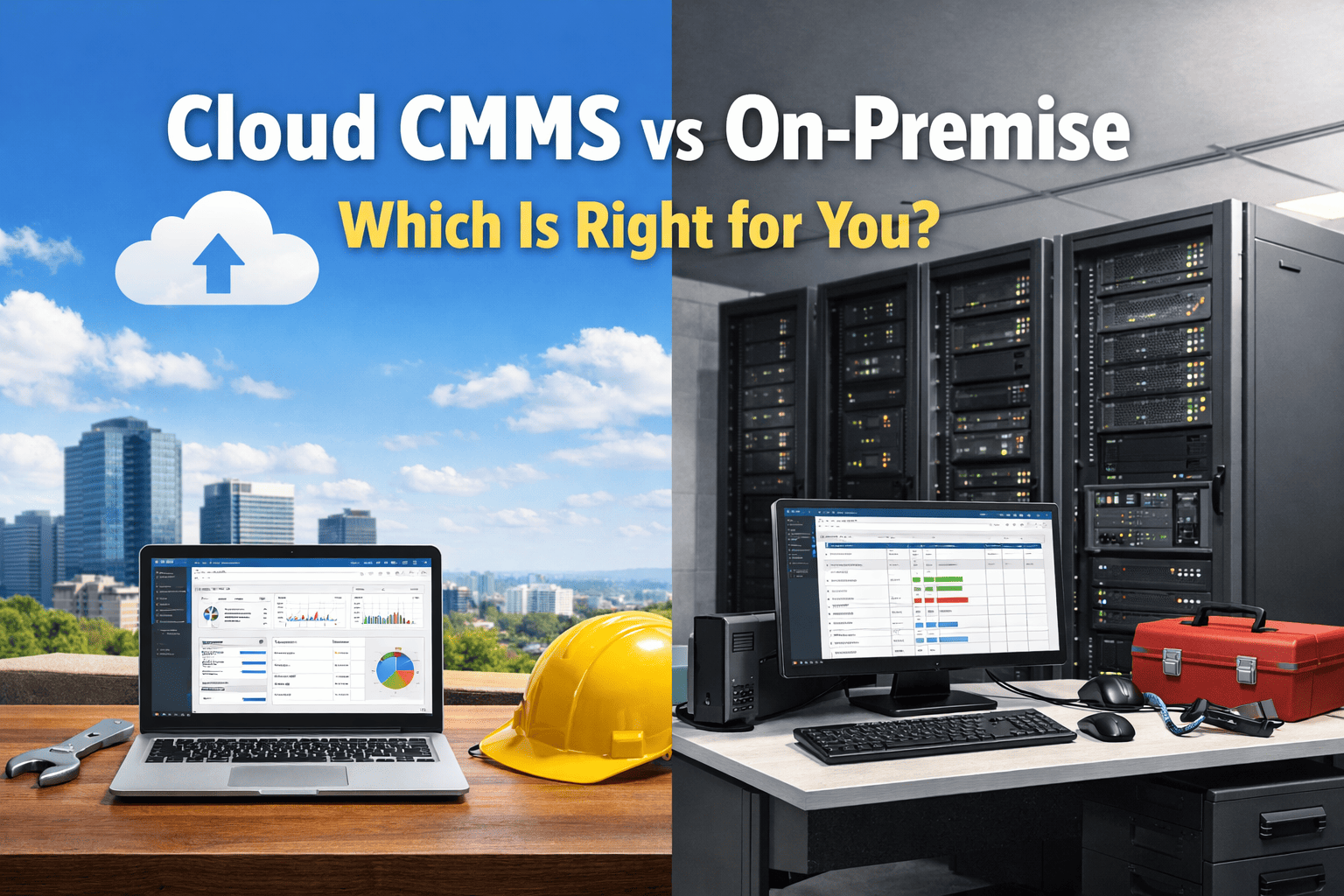
The global cloud CMMS market is projected to reach $2.41 billion by 2030, and over 70% of new CMMS deployments now choose cloud-based architecture — a reversal that accelerated dramatically from 2019 onward. For cement plant operations, where a single hour of unplanned kiln downtime costs $12,000 to $25,000 and technicians need real-time work order access across sprawling facilities, the deployment model you choose determines whether your CMMS becomes a strategic advantage or an expensive liability. On-premise solutions once dominated heavy industry, but the economics have shifted: cloud platforms eliminate six-figure server investments, deliver automatic security updates that meet SOC 2 Type II compliance standards, and deploy in days rather than months. Yet the decision is not as simple as following the market — cement plants operating in remote locations, navigating strict data sovereignty regulations, or managing highly customized legacy integrations still have legitimate reasons to evaluate on-premise. This guide breaks down every dimension of the cloud vs. on-premise decision using real cost data, operational impact analysis, and cement-industry-specific requirements so you can invest with confidence. Already managing maintenance on spreadsheets or an outdated legacy system? Sign up for Oxmaint and experience a cloud-native CMMS that deploys in under a week — or book a demo to see how cement plants are cutting downtime by 30-50% with real-time mobile maintenance.
Cloud vs. On-Premise CMMS: The Core Architectural Difference
Before comparing costs, security, or scalability, it is essential to understand what each deployment model actually means at the infrastructure level — because the architecture drives every downstream consequence for your maintenance operation.
Cloud-Based CMMS
On-Premise CMMS
Five-Factor Decision Scorecard
Every cloud vs. on-premise debate reduces to five factors. This scorecard evaluates each dimension through the lens of cement plant operations — where dust-laden environments, remote plant locations, multi-shift crews, and 24/7 kiln operations create unique demands that generic software comparisons rarely address.
Total Cost of Ownership
5-year all-in cost including acquisition, infrastructure, IT labor, upgrades, and support
Predictable monthly subscription. No hardware investment. No IT overhead for server management. Typical 40-60% lower 5-year TCO for mid-size operations.
Large upfront license + server hardware. Ongoing costs for IT staff, energy, cooling, hardware replacement cycles, and security infrastructure.
Cement plants need maintenance budgets focused on equipment — not IT infrastructure. Cloud shifts capital to operational spend.
Mobile & Field Access
Technician access to work orders, asset data, and reporting from the plant floor
Built mobile-first. Technicians access work orders, log completions, and attach photos from any device. Real-time sync across all users instantly.
Requires VPN or specialized mobile middleware. Syncing is delayed. Technicians often revert to paper in the field and enter data later at a workstation.
Cement plants span hectares. Technicians at kilns, mills, and crushers need instant mobile access — cloud delivers this natively.
Security & Compliance
Data protection, regulatory compliance documentation, and disaster recovery
SOC 2 Type II, encrypted data at rest and in transit, automated backups, and disaster recovery that small IT teams cannot replicate. GDPR compliant.
Full data control on your servers. Security quality depends entirely on your IT team's capabilities, budget, and vigilance.
Cloud security exceeds most in-house capabilities. On-premise only wins for defense, pharma, or strict data sovereignty mandates.
Deployment Speed
Time from purchase decision to technicians using the system productively
No hardware procurement. No installation. Import assets, configure workflows, and deploy mobile access to your entire crew within 1-2 weeks.
Server procurement, network configuration, software installation, testing, VPN setup, and user training. Typical deployment: 3-6 months minimum.
Every month of delayed deployment is another month of untracked downtime and missed maintenance. Speed directly impacts ROI timeline.
Scalability & Integration
Ability to grow across sites, add IoT sensors, and integrate with ERP/SCADA systems
Add users, sites, or IoT integrations with no infrastructure changes. APIs connect to ERP, SCADA, and sensor platforms. AI analytics built in.
Each expansion requires hardware capacity assessment, potential server upgrades, and IT project cycles. Multi-site deployment multiplies complexity.
Cement groups managing multiple plants need unified data. Cloud provides single-pane visibility across all sites without infrastructure duplication.
Experience Cloud-Native CMMS Built for Industrial Operations
Oxmaint deploys in under one week with no server purchases, no IT overhead, and full mobile access for every technician on your plant floor. Join the 70%+ of new deployments choosing cloud.
Total Cost of Ownership: 5-Year Financial Comparison
The sticker price of a CMMS is never the real cost. True total cost of ownership includes every dollar spent on acquiring, deploying, operating, and maintaining the system over its productive life. This comparison models costs for a mid-size cement plant with 50 users across maintenance, operations, and management — the segment where the cloud vs. on-premise decision has the most dramatic financial impact.
The TCO gap widens significantly for multi-site cement operations, where on-premise deployment requires duplicating infrastructure at each location. Cloud CMMS provides unified multi-plant visibility from a single subscription with zero additional hardware. For organizations evaluating this investment against broader asset lifecycle management goals, cloud platforms deliver faster ROI by compressing deployment timelines from months to days.
When On-Premise Still Makes Sense
Despite the overwhelming market shift toward cloud, a small percentage of operations have legitimate requirements that favor on-premise deployment. Being honest about these edge cases helps cement plant decision-makers avoid both the trap of legacy inertia and the mistake of choosing cloud when their specific situation genuinely demands local hosting.
Strict Data Sovereignty Requirements
Government-operated cement facilities or plants in jurisdictions with laws requiring all operational data to remain on physical servers within national borders. This applies to a very small number of operations globally — most cloud CMMS vendors now offer regional data centers that satisfy residency requirements without requiring on-premise infrastructure.
Zero-Connectivity Environments
Cement plants in extremely remote locations with no reliable internet connectivity whatsoever. However, this scenario is increasingly rare — satellite internet now covers most industrial locations, and modern cloud CMMS platforms include offline-capable mobile apps that sync when connectivity returns. Evaluate true connectivity options before defaulting to on-premise.
Deep Proprietary System Integration
Plants with highly customized SCADA, DCS, or process control systems that require direct local network integration with the CMMS at the protocol level. Even here, modern cloud platforms with on-premise gateway devices increasingly bridge this gap — but some legacy control architectures genuinely require local hosting for real-time data exchange.
For the vast majority of cement operations — those managing multiple shifts, distributed maintenance teams, and equipment spread across large facilities — cloud CMMS delivers superior outcomes on every measurable dimension. The 70%+ adoption rate reflects this reality.
Cloud CMMS Migration: From Decision to Full Deployment
Migration anxiety is the number one reason cement plants delay their CMMS technology decision. In reality, moving from spreadsheets, paper work orders, or a legacy on-premise system to cloud is simpler than most organizations expect — especially with guided onboarding. Here is the proven pathway that gets plants operational in days, not months. Start your free Oxmaint trial and follow this exact sequence to go live within your first week.
Discovery & Data Preparation
Map your current asset hierarchy, work order workflows, user roles, and PM schedules. Export equipment lists from existing systems or compile from paper records. Define success metrics — target downtime reduction, PM compliance rate, or cost tracking accuracy. This preparation ensures clean data migration with no lost history.
System Configuration & Data Import
Import asset records, maintenance history, and spare parts inventory into the cloud CMMS. Configure preventive maintenance schedules, approval workflows, notification rules, and reporting dashboards. Set up user accounts with role-based access — maintenance managers, technicians, planners, and operations staff each get tailored views.
Team Training & Parallel Operations
Onboard technicians with role-specific mobile training — scanning barcodes, completing work orders, logging parts consumption, and attaching inspection photos. Run parallel operations alongside existing processes for 2-3 days to validate workflows and build team confidence before cutting over completely. Most teams achieve full adoption within the first week. Sign up for Oxmaint to experience this deployment speed firsthand.
Full Launch & Continuous Optimization
Go live across all teams and shifts. Every work order, inspection, and PM completion flows through the cloud platform. Automated dashboards begin revealing downtime patterns, cost trends, and schedule compliance metrics immediately. AI-driven insights identify maintenance optimization opportunities from the first month of operational data.
Deploy in Days. Save in Millions. Zero Server Rooms Required.
Cement plants using Oxmaint's cloud CMMS cut unplanned downtime by 30-50% within the first year. No hardware to buy. No IT team to hire. Just maintenance, done smarter.
Decision Framework: Which Model Fits Your Cement Plant?
Use this diagnostic to match your plant's specific operational reality to the right deployment model. Answer honestly — the goal is alignment with your actual needs, not following a market trend. Plants managing unplanned downtime reduction programs particularly benefit from the real-time visibility that cloud platforms provide.
You manage multiple facilities or geographically distributed maintenance teams that need unified visibility
Technicians need mobile work order access at kilns, mills, crushers, and across large plant footprints
You want predictable monthly costs instead of large capital expenditures on IT infrastructure
Your IT team is small, focused on process control systems, and cannot take on CMMS server management
You need AI-powered analytics, predictive maintenance integration, and IoT sensor connectivity
You want to deploy in days and start seeing measurable downtime reduction within the first quarter
Your organization is growing, acquiring new plants, or planning capacity expansions that require scalable systems
You operate under government or military regulations requiring all data to remain on physical servers you control
Your plant has zero internet connectivity with no satellite or cellular options available
You require deep protocol-level integration with proprietary SCADA or DCS systems that cannot use APIs
Your organization has a large, dedicated IT department with server management capacity and budget already allocated
You operate a single-site facility with no plans for expansion and all users work from fixed workstations
Real Impact: What Cloud CMMS Delivers for Cement Plants
Deployment model decisions should be grounded in measurable outcomes. These data points represent documented results from industrial operations that have transitioned to cloud-based maintenance management — book a demo to see how these outcomes translate to your specific plant configuration.